Smart home technology is becoming more and more popular due to its accessibility and integration with other types of technology. Many people are looking for ways to make their everyday lives easier, and one of the latest devices people are upgrading to is the smart switch. Smart switches provide you with many options for controlling your home and making your daily experiences better than traditional electrical switches. But what is a smart switch? How does a smart switch work? And why should you think about purchasing a smart switch for your home? Let’s take a look at how to answer those questions regarding the current trend of smart home technology.
Definition of Smart Switch
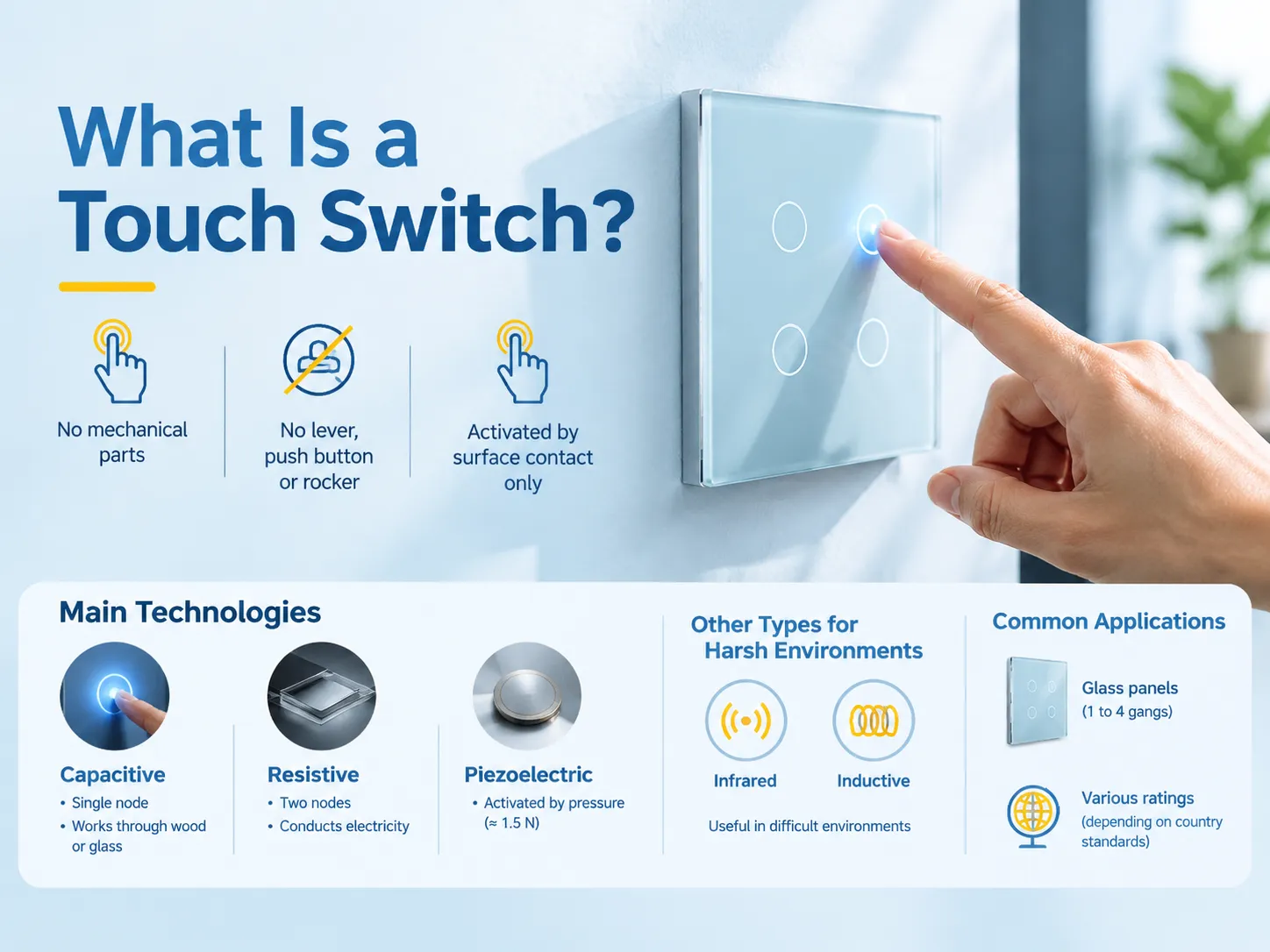
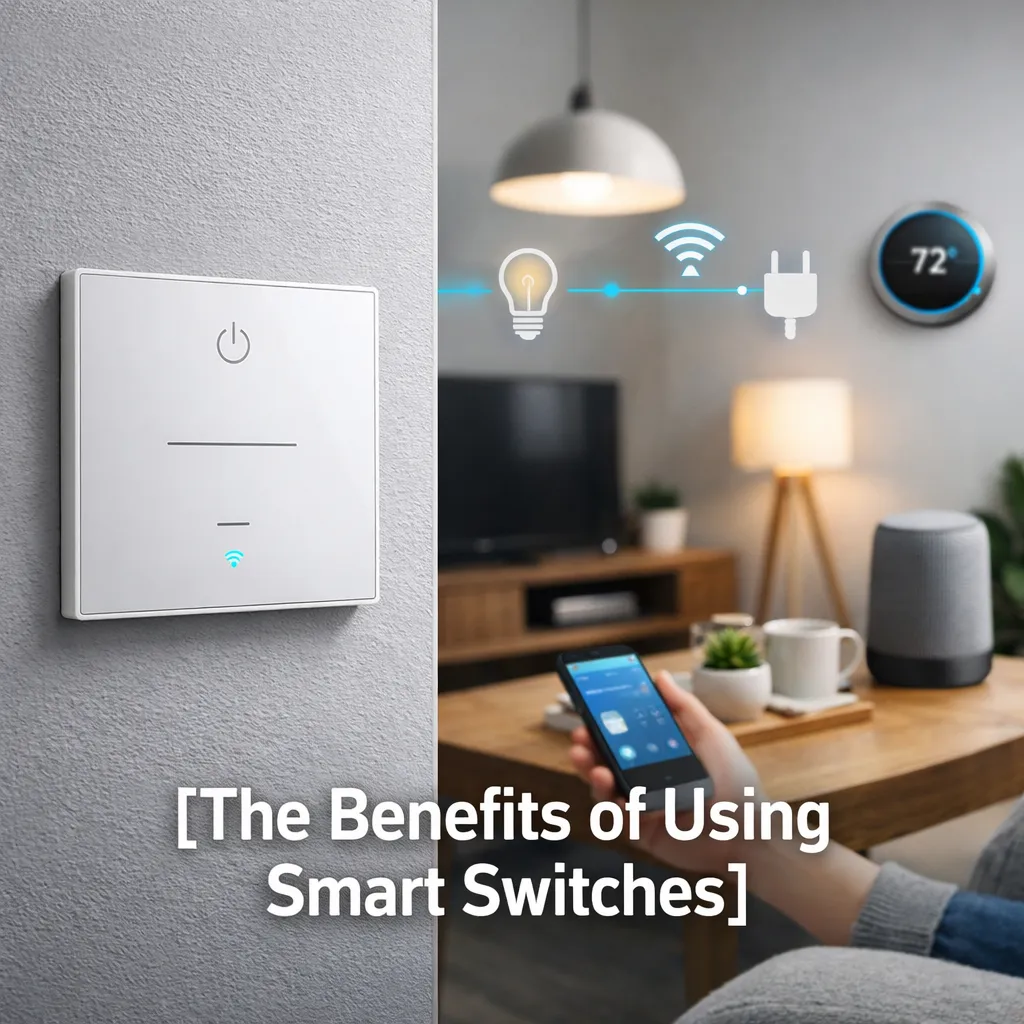
A smart switch is a smart electrical switch that has more features than a traditional electrical switch. Traditional switches are simply used to control electrical devices directly with the switch’s on and off positions, while smart switches contain a computer system that allows them to be connected to a home automation system. A smart switch integrates with a home automation system to allow devices to be controlled through a smart device (such as a smart phone) or crontab (a time-based job scheduling daemon in Unix-like operating systems).
For example, if you enter a room and want to turn on the lights, instead of walking to the switch to turn the lights on (the traditional method), you can now tell your smart phone to turn on the lights, or you can give a voice command to the smart switch by saying “turn on the lights in the living room.” Smart switches also can control the brightness of lights, have programmable schedules, and have remote access capabilities.
Benefits of Smart Switches
Here are three reasons why you might want to consider upgrading to smart switches in your home:
1. Convenience
You can now easily control the lighting in your home or appliances without even getting off your couch. All you have to do is use your smartphone or tablet to remotely operate the smart switch, so that you will know whether the lights are left on or not no matter where you are. This type of convenience is especially beneficial for people who have large homes or high-traffic areas.
2. Energy Efficiency
You may be able to improve your home’s energy efficiency when utilizing smart switches. The many features of smart switches, including programmable schedules and automations, allow homeowners to create routines that automatically turn appliances off when they are not in use. For example, if you set your lights to turn off when you leave your house and are programmed to turn on just before you arrive back at your house, you can save a considerable amount of money on your utility bill.
3. Increased Home Security
Smart switches can deter burglary. Smart switches with away modes randomly turn your lights on and off, creating the illusion that you are home during the day when you are at work or on vacation. Some smart switches are integrated with home security systems for added protection and security.
What Is a Smart Switch?
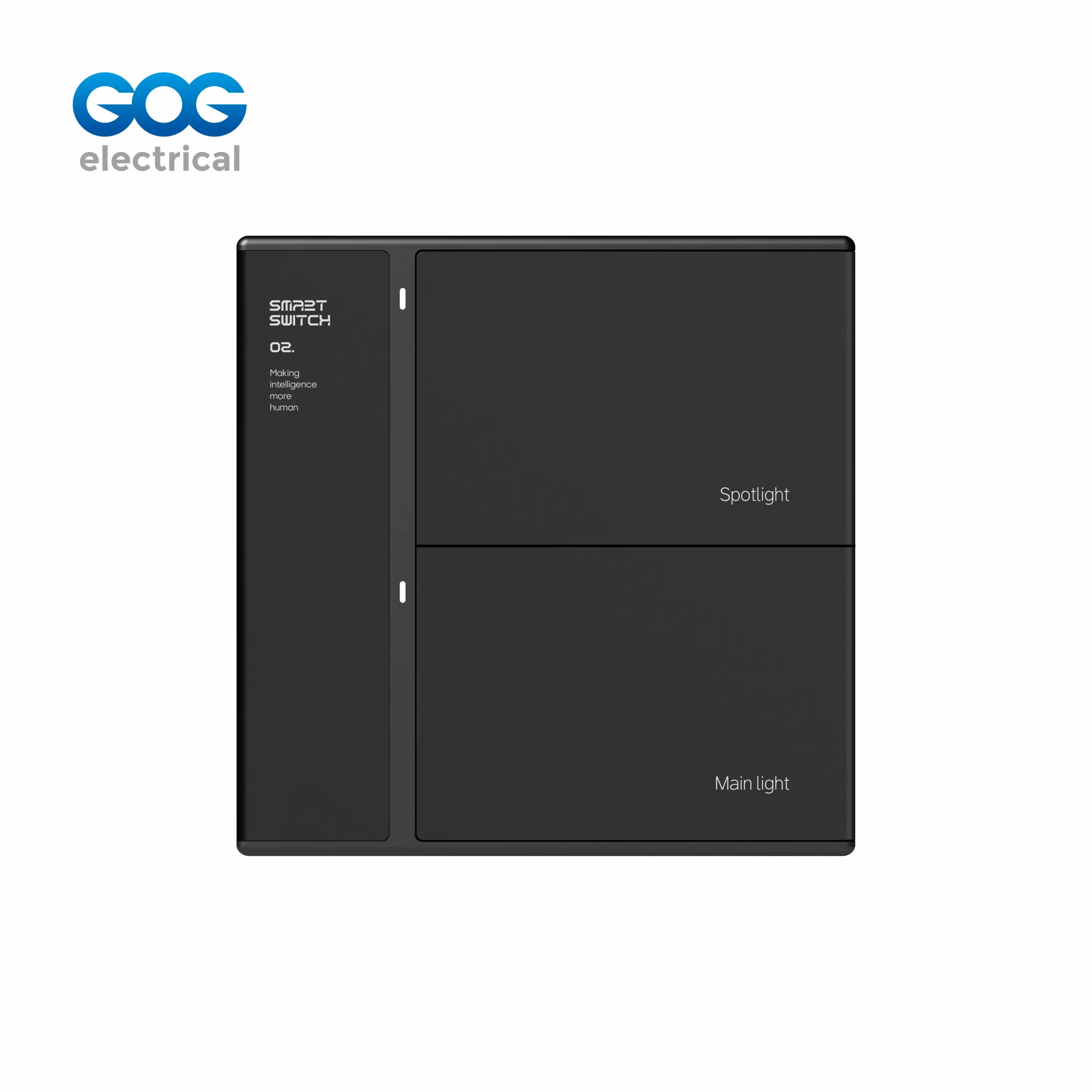
Smart switches connect wirelessly through your home’s Wi-Fi or a hub to enable you to use your smartphone or smart home system to send and receive commands to/from your smart switch. Most modern smart switches use a combination of hardware and software to control how much electricity flows to small appliances. They’re also capable of being integrated with Alexa, Google Assistant, and Siri, therefore, allowing voice activation control.
Do Smart Switches Work Offline?
If you’re a potential user, you may ask this question often. Most smart switches use an internet connection to control remotely/with apps and/or work with voice assistants. Some can operate without a network connection. If the smart switch has controls that are built-in, it will be able to operate manually (turning on/off lights/devices) regardless of whether a network connection is present, while all other functions (remote control and/or voice activation) typically require an active internet connection.
Smart Switch Installation Directions
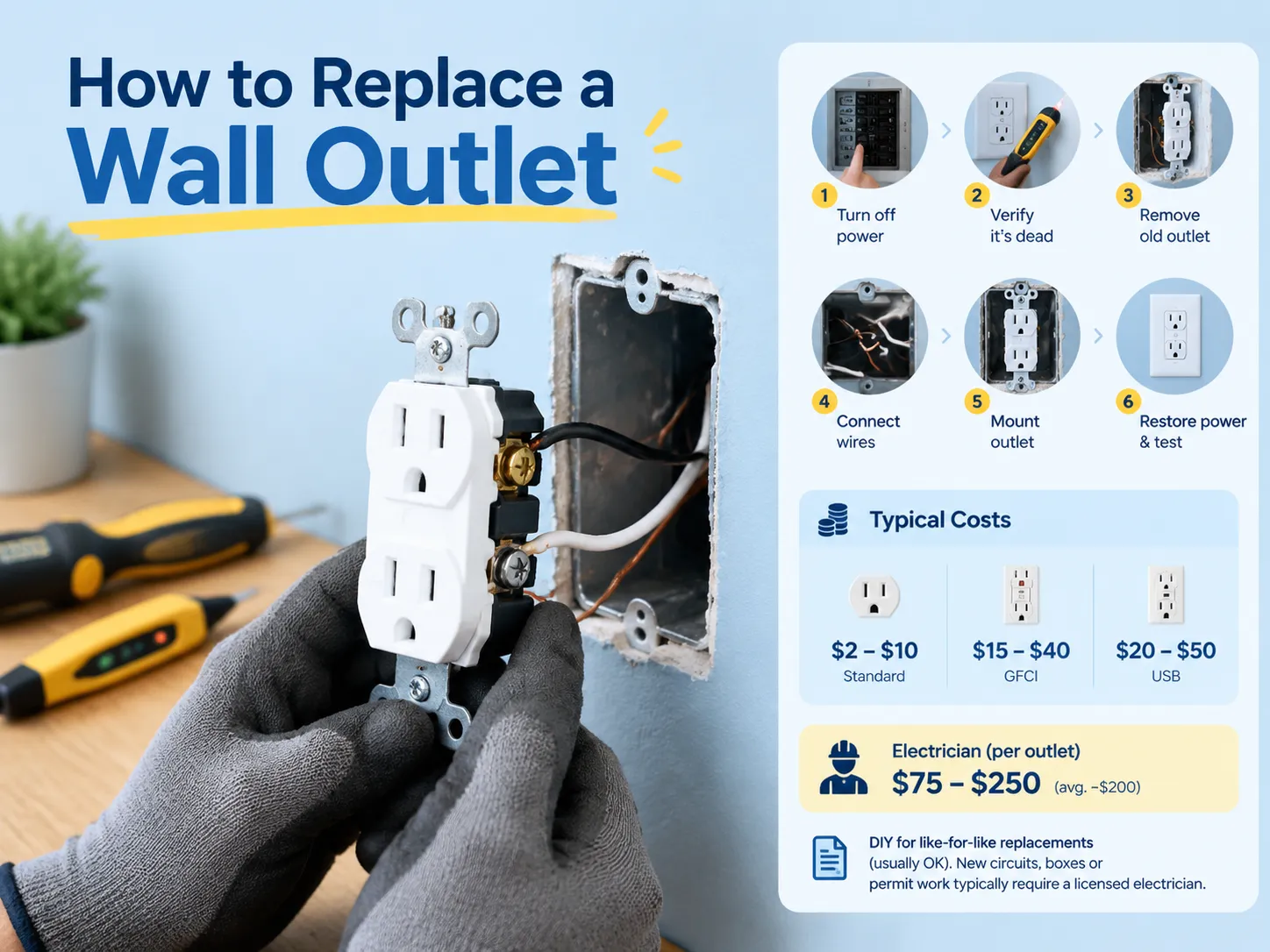
The installation process sounds like it would be difficult, but really the installation is relatively simple if you are familiar with basic electrical work. Before you begin the installation process, you need to be sure that you’ve turned off the power to that circuit breaker in order to not be hurt by any physical hazards. Here is an overview of how to proceed with the installation process of a smart switch:
- Unscrew the old faceplate from your current switch and take note of how it was installed.
- Remove the old switch and wire up the new smart switch to the same wires that were used for the previous switch.
- Put the smart switch back into the wall and put on the faceplate.
- Switch on the breaker again and follow the instructions for your smart switch to connect it to the Wi-Fi or the smart home hub.
If you feel uncomfortable or unsure of how to do electrical work, you should find a licensed electrician to help you with the installation.
Top Smart Switches
If you are interested in upgrading to a smart switch for your home, here are a few of the most popular smart switches:
- Lutron Caseta Wireless Smart Lighting Dimmer Switch: Compatibly works with many platforms and comes with an easy-to-use app.
- TP-Link Kasa Smart Wi-Fi Light Switch: Excellent functionality at a good price.
- Leviton Decora Smart Wi-Fi Switch: Sleek design and excellent reliability.
- Wemo Wi-Fi Smart Dimmer: Very easy to set up and compatible with most major assistants.
These options are just a few examples, and all come with their own specific features or price ranges. Be sure to choose a smart switch that will work with your current smart home system and your needs.
FAQs about Smart Switches
How does a smart switch operate?
A smart switch operates by connecting to your Wi-Fi or a dedicated hub, allowing you to control your lights or appliances with a smartphone app or voice. They also support advanced use cases for scheduling or automation.
How do I unlock my new smart switch?
To unlock your new smart switch, you first must cut off the power supply to the switch by cutting power to the breaker. Unscrew/remove the existing faceplate. This will give you access to the wiring to connect your new smart switch.
Are all bulbs compatible with smart switches?
No, not all bulbs will be compatible with smart switches, especially when it comes to bulbs designed to work as dimmers. Always be sure to confirm compatibility between your smart switch and the bulbs you plan to use with it before purchasing either item.
Can a smart switch operate multiple devices?
Yes! Depending on the specific model you have, many smart switches can operate multiple devices or even an entire room depending on the smart home system you are using with the smart switch.
Smart switches can change the game for those seeking to enhance their home automation systems with additional functions making them easier to use. The rewards of switching to smart switches include convenience, reduced energy consumption, and improved security. When designing a new smart home or adding smart devices, investing in smart switches is one of the first steps toward a modern connected lifestyle!