In our modern world where technology creates a constant link between users and the Internet, having a reliable, solid internet service is an absolute necessity. If you want to create a home office, upgrade your entertainment options, or just need better speed when connecting to the Internet, knowing how to run your device’s Ethernet connection into an Ethernet wall plate will be very helpful. This step-by-step guide provides detailed information regarding Ethernet wall plates along with some background knowledge regarding types of wall plates, how to troubleshoot potential issues, and things you can do to ensure maximum performance.
What are the Advantages of Using an Ethernet Wall Plate?
While using Wi-Fi is extremely convenient, at times it can limit your ability to receive fast, reliable, and secure internet service. Most homes or buildings that are larger in dimension and/or have multiple objects creating a barrier between your devices and your Wi-Fi router will not provide sufficient amounts of bandwidth needed for video streaming, gaming, or working remotely through the use of an Ethernet cable and wall plate.
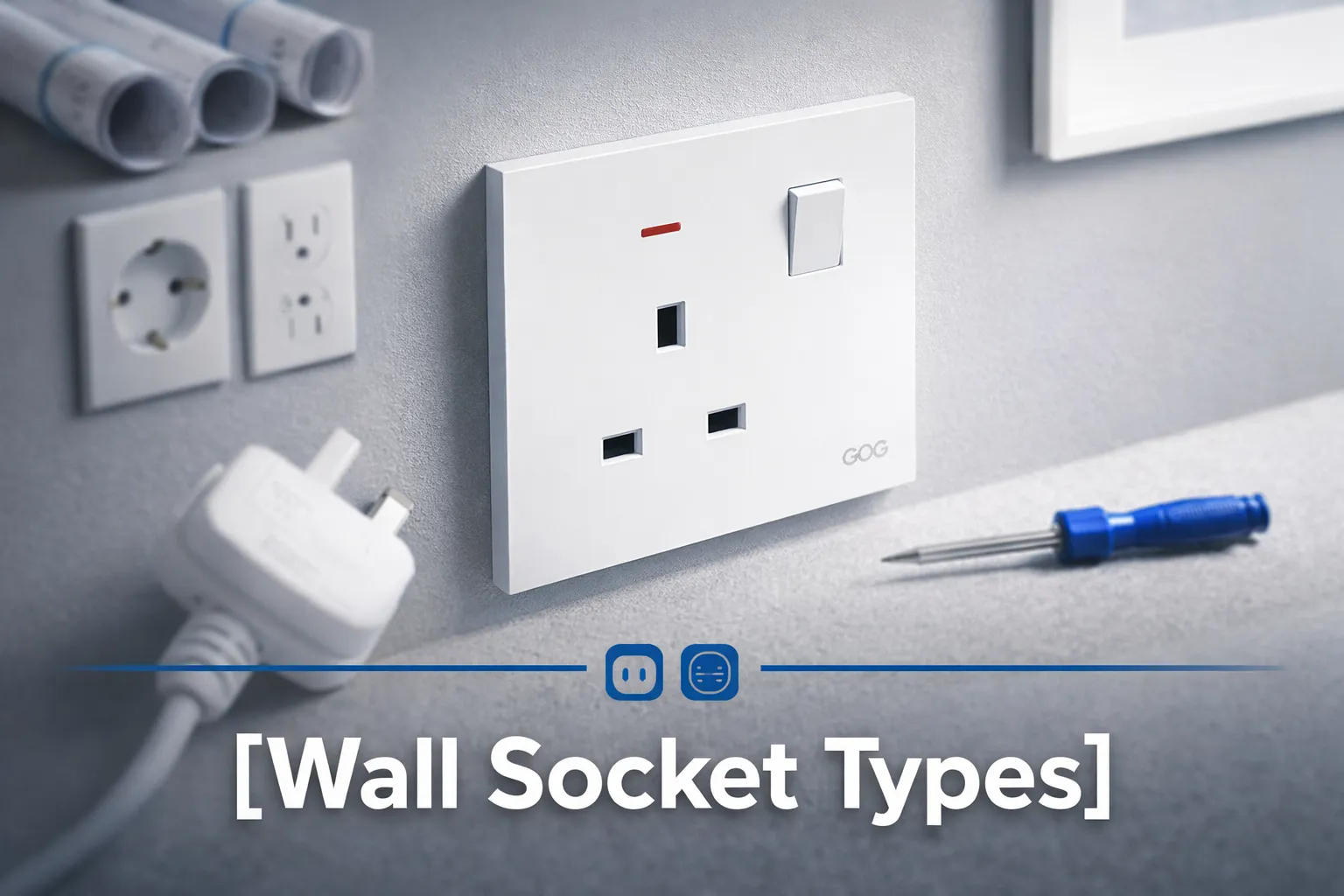
Host of Types of Ethernet Wall Plates
Once you determine what type of Ethernet wall plate your building has, you can connect your Ethernet cables. The following list includes some of the more common types of Ethernet wall plates available:
- Standard RJ45 Wall Plate: Standard RJ45 wall plates are the most popular type of wall plates and are designed for use with Cat5, Cat5e, Cat6, and Cat7 Ethernet cables.
- Modular Wall Plates: Modular wall plates allow you to incorporate multiple types of cables into one plate, providing you with flexibility when connecting your device to the internet.
- China Wall Plate: A China wall plate is simply a style of wall plate typically manufactured in China but can also refer to some inexpensive styles of Chinese-made wall plates.
- Outdoor Wall Plates: Outdoor wall plates are designed to protect your Ethernet connections from the elements. These devices are particularly useful in the garden, on patios, or for outside buildings.
Understanding your socket type will ensure you have the correct cable and equipment for the connection.
Step-by-Step Guide: Connecting an Ethernet Cable to a Wall Socket
Simply follow these steps, and you will have successfully connected an Ethernet cable into a wall socket:
- Check Whether Your Wall Socket Is Damaged: Check whether or not there are any damages or dust. Clean the wall socket using a dry cloth if it is dirty, ensuring that there is a good connection between the wall and the Ethernet Cable connector.
- Align Connector With Cable: Hold onto the Ethernet Cable and ensure that the connector is properly lined up with the Ethernet port on the wall. Most Ethernet Cables will have a clip that clicks into place once it is properly connected to the wall.
- Push Connector In Firmly: Once you are confident that the Ethernet Cable Connector has been lined up correctly, you can also insert it into the wall Ethernet port until you hear a click—indicating a good, solid connection.
- Test Your Internet Connection: After successfully connecting your Ethernet Cable through the wall to a second device (such as a Laptop, Desktop Computer, or Gaming Console), test that you are connected to the internet and able to surf the Internet without having dropouts in speed.
Once connected, your other device should have detected the connection, so you will be able to surf the internet without drops in speed.
Common Issues with Using Ethernet Wall Sockets (And Their Respective Solutions)
Even though Ethernet Wall Sockets are generally considered reliable, every now and then users can experience a variety of common problems, along with their solutions:
1. Loose Connection
If an Ethernet cable is loose or pulls out of a receptacle often, the problem might be either a damaged wall jack or an overall damaged Ethernet connector. Replace the cable or consult a technician to repair the socket.
2. No Internet Signal
If the Ethernet cable is connected correctly on both sides but the Internet is not working, make sure the cable is properly connected to the router/modem, and check if there is an active internet service.
3. Compatibility Issues
Older wall sockets might not support newer Ethernet cable standards like Cat6 or Cat7. Check your wall socket and cable specifications to ensure compatibility.
4. Damaged Wires
The cable jack may have bad wiring causing connectivity problems. You should contact a technician to have it repaired or replaced if this is found to be the case.
Additional Tips for Optimizing Your Ethernet Connection
Here are some suggestions for improving the speed and quality of your Ethernet connections:
- Use quality cables (Cat6 or Cat7) that support the highest speeds with the least amount of interference.
- Consider replacing your wall jacks with modern wall jack designs, including weatherproof options for outdoor use.
- Clean and check your cables and wall jacks regularly to prevent signal loss from dirt or wear and tear.
- If you need to connect multiple devices to the Ethernet simultaneously, use a switch to expand the number of available Ethernet ports without reducing speed.
FAQs
What are common problems with Ethernet wall sockets?
Loose connections, no internet signal, compatibility issues, and damaged wires are some common problems with Ethernet wall sockets. Each of these can often be resolved by replacing cables, inspecting connections, or consulting a professional for repairs.
Can I install an Ethernet wall socket myself?
Yes, with the right tools and knowledge, many homeowners can install an Ethernet wall socket. However, for those unfamiliar with electrical or network installations, it’s a good idea to hire a professional to ensure safe and effective installation.
Are there Ethernet wall sockets for outdoor use?
Yes, outdoor wall sockets are weatherproof and are mainly used for setups like garden security cameras or external office spaces. Ensure the socket is rated for outdoor use to withstand environmental conditions.
What’s the difference between an RJ45 wall socket and a modular wall socket?
An RJ45 socket is solely for Ethernet cables, while a modular socket can combine Ethernet with other functionalities such as HDMI or USB ports, offering increased versatility.
In conclusion, connecting an Ethernet cable to a wall plate is a simple process that can drastically improve your internet connection. By understanding your wall plate type, addressing common issues, and following best practices, you can create a more reliable and efficient network infrastructure. Whether you’re dealing with standard RJ45 plates, outdoor wall plates, or even newer modular options, having well-maintained and properly connected sockets ensures seamless internet access for all your devices.