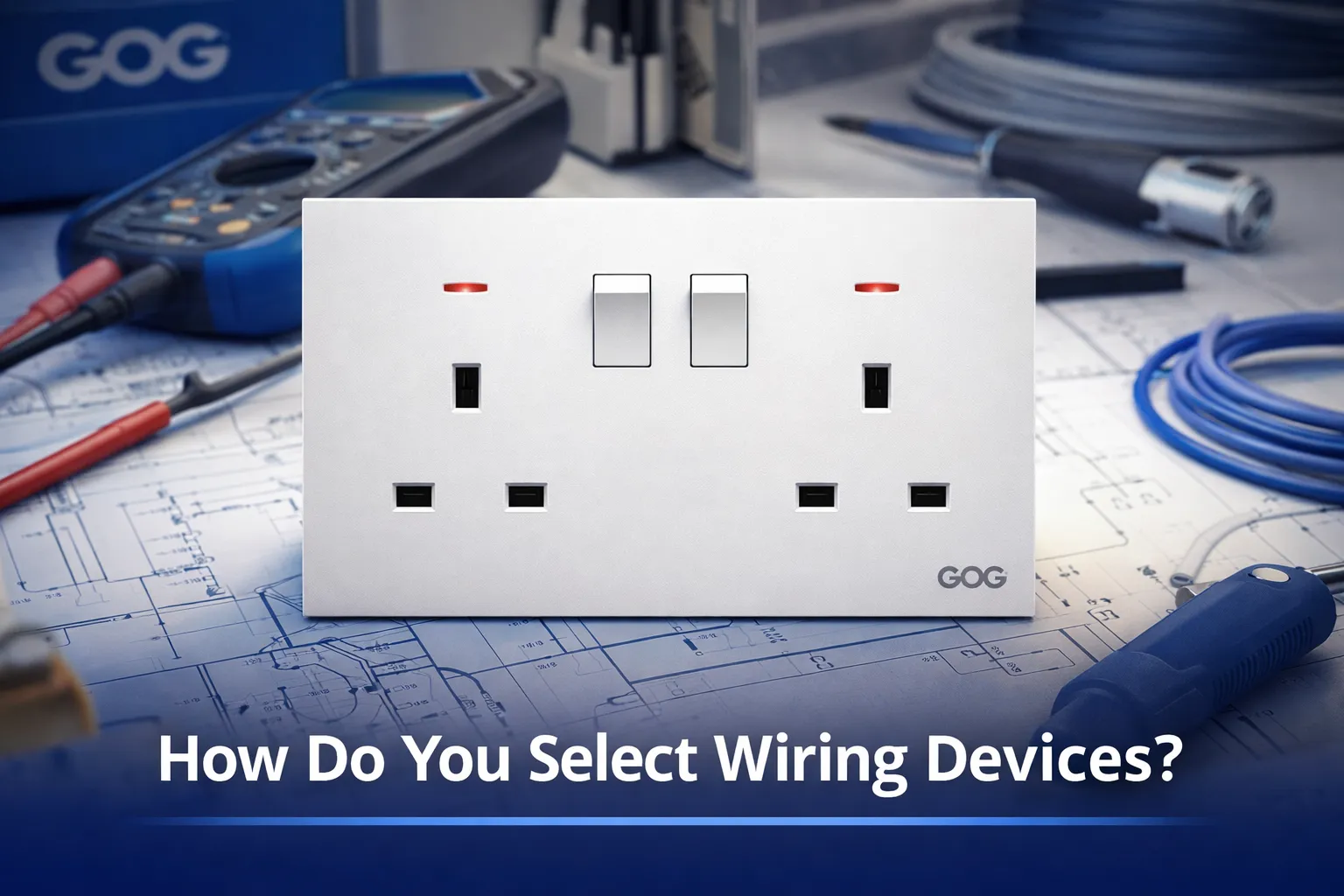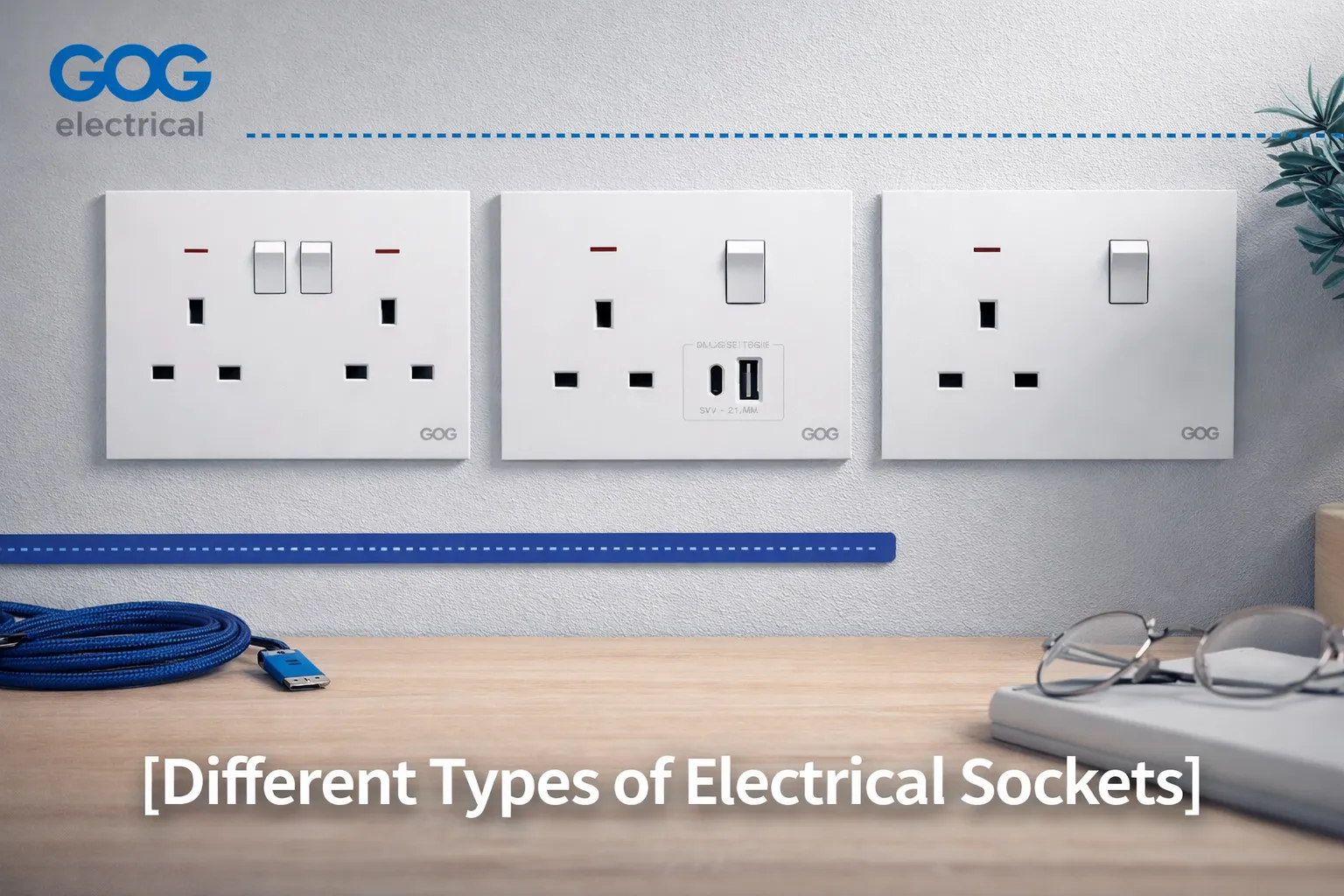
Picking out new switch/lighting will be an easy task for anyone who follows the proper procedures and uses the right tools, materials and techniques to install or uninstall a switch. Changing light switches can be intimidating to a homeowner that wants to replace their current light switches to newer, smarter switches; however, if the homeowner follows the steps outlined in this article, they should have no issues completing this upgrade safely.
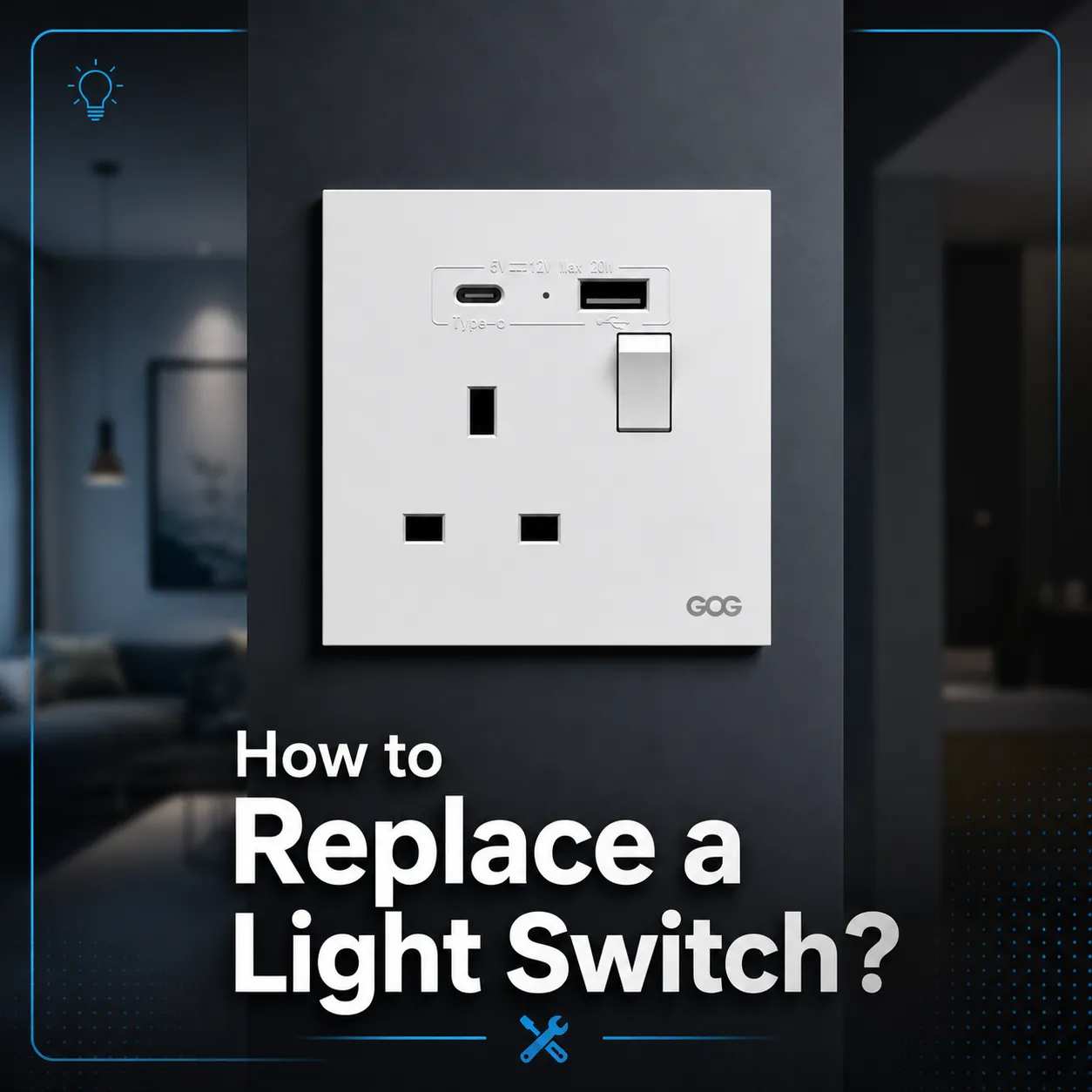
Before You Begin Replacing Your Light Switches, Think of Safety First.
When it comes to replacing your light switch, here are some things to consider when it comes to following these safety tips:
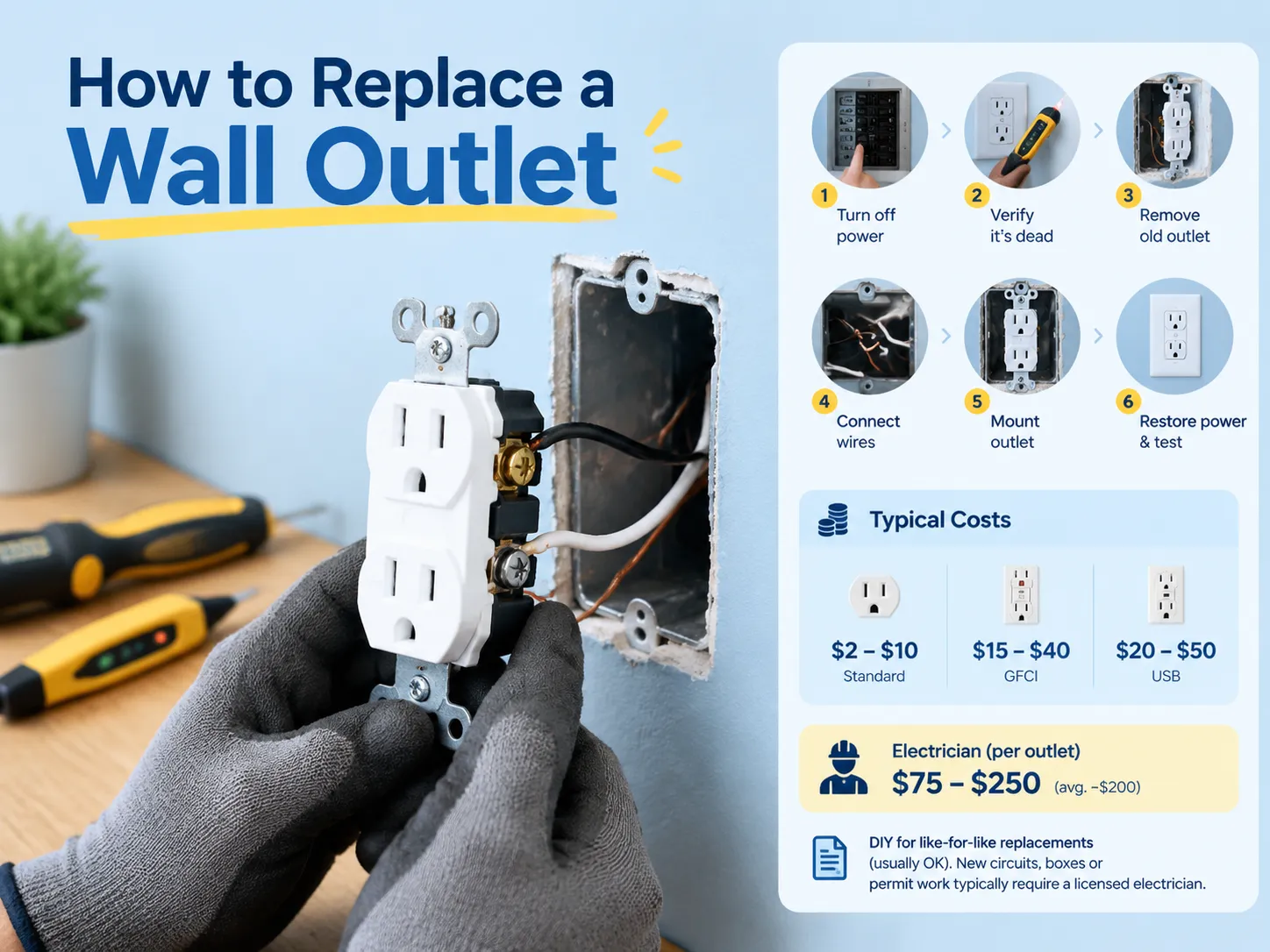
- Power Down the Light Switch: Find the circuit breaker panel for the household and turn off the breaker to the light switch(s) that you are replacing (if working on more than one light switch). Before removing your old switch and installing the new switch, use your multimeter voltage tester to verify that there is no voltage present.
- Prepare the Tools You Will Need: You will need a Phillips head or standard screwdriver depending on the type of screws used to hold your switch plate on to make your new switch install easier (you do not need to use a different size/type screwdriver), a wire stripper or wire cutter, multimeter (voltmeter), and new switch if you are exchanging an existing switch for a new switch. Before you replace a traditional light switch with a smart light switch, be sure that your current wiring box is compatible and can handle the new installation.
If You Are Removing the Old Switch:
Remove the old switch plate by unscrewing the screws from either side of the box and removing the switch from the plate. Make sure to check for voltage on the wires with a volt meter before touching the wires. After you’ve removed the old switch from the plate, remove the wires from the switch by loosening the set screws on each terminal and disconnecting the wires. Pay attention to how each of the wires is connected for your new switch.
If You Are Installing the New Switch:
Connect the wires properly to the correct terminals. Typically the black wire is connected to the brass terminal, the white wire is connected to the silver terminal, and the copper ground wire is connected to the green ground terminal on the lower left side of the switch.
Make sure that all of the connections are tight and secure to prevent any loose wiring which will cause performance issues and/or fire hazards.
If You Are Securing the New Switch:
Gently insert the new switch into its box and secure it with the screws removed from the old switch. Replace the cover plate on the light switch.
When you have finished the installation successfully and all the connections are secure, you will then need to turn on the breaker that powers the switch and test the new switch to ensure it works correctly. If you are installing a smart switch, please refer to the manufacturer’s installation instructions for how to set up the smart switch on your home’s Wi-Fi and customize the settings.
Frequently Asked Questions (FAQs)
How much does it cost to hire an electrician to replace a light switch?
The cost to hire an electrician to replace a light switch will vary depending on where you live and the type of switch being used (traditional vs. smart). The average cost of an electrician’s labor to replace a light switch is between $50 and $150, in addition to the cost of the materials used to install the switch. If you are replacing more than one switch, some electricians may provide you with a discount on the total cost.
Can I replace my traditional light switch with a smart light switch?
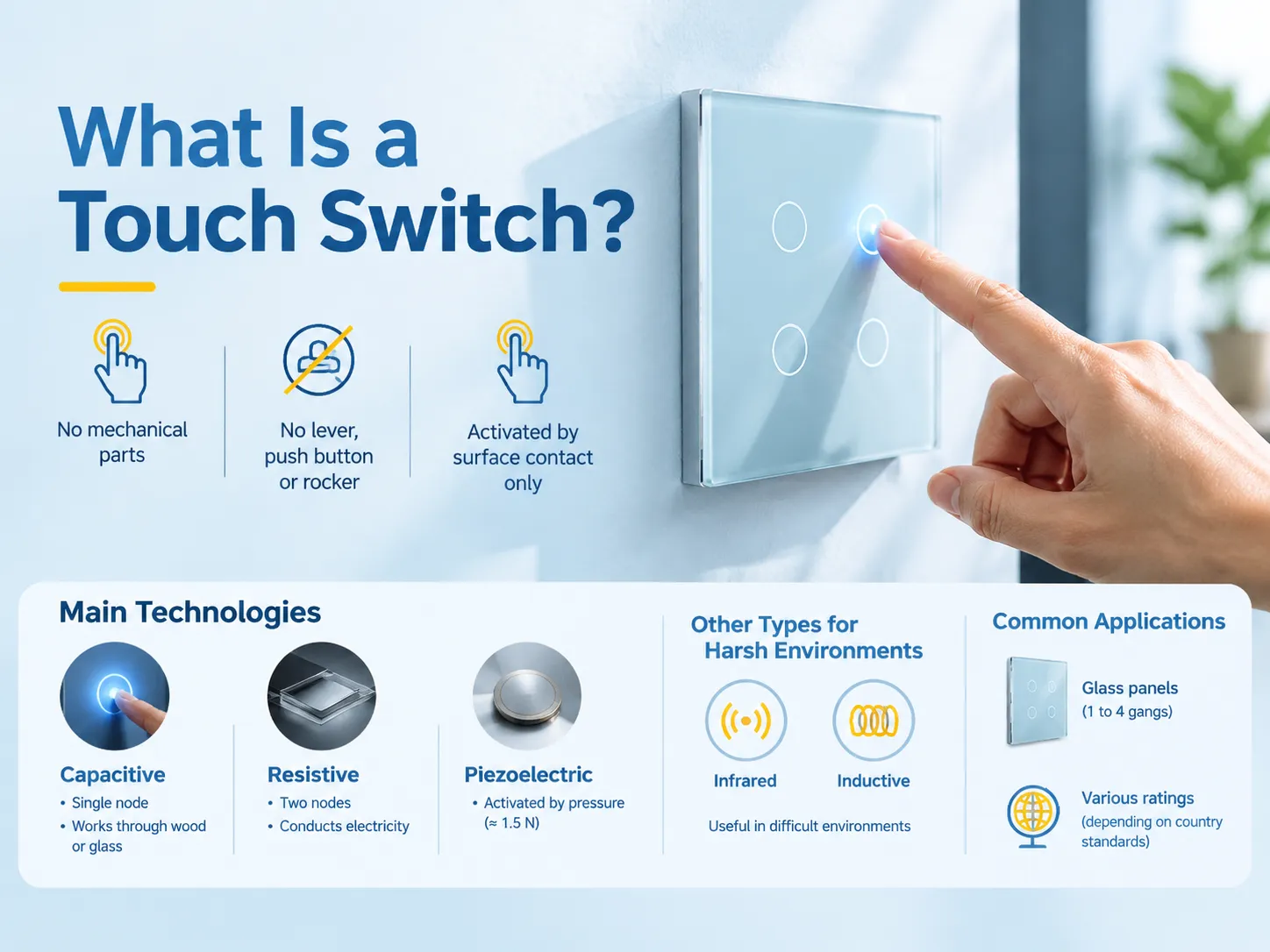
Yes, a smart light switch will give you additional functionality because you will be able to control the lights through your mobile device or voice control using either an Alexa or Google Assistant. However, please make sure that your current electrical wirings have neutral wires as most all smart switches require neutral wires to work properly.
How do I know if I need to replace my light switch?
If your light switch has become warm to the touch, if the light bulbs are flickering, or if the light does not turn on or off, that would be a sign that you need to replace your light switch. A worn-out light switch can also potentially create safety hazards such as arcing or short-circuiting, which would result in needing replacement.
Considerations before upgrading to a Smart Light Switch
By upgrading to a smart light switch, make sure to review your existing electrical wiring to make sure they are compatible with the new smart switch and that the smart hub in your home can operate the new smart switch. Most smart switches will have some combination of dimmer, scheduled timer and energy usage, which is the perfect addition to a modern home.
Each of the manufacturers of the smart switches will provide their brand-specific installation instructions. Please ensure that you follow each manufacturer’s specific installation instructions for the smart switch.
Replacing a traditional or smart light switch will make your home a more functional and safe environment. By following the above instructions, you will be able to determine if you are able to complete this project on your own, or if you will need to hire an electrician to do this for you. Always remember to be safe and to make sure you understand how your new light switch works, and have fun with your new lighting control!