In Bristol, a homeowner observed that the hallway light would turn on for a moment or so at unfixed times during the night, so he assumed that the problem must be with the bulb and replaced it with a new one.” The light, however, continued to flicker. Sometime later, he changed the switch, and the flickering ceased for a week, only to resume later on. An electrician was able to establish that the issue lay with a faulty neutral connection inside the junction box located in the loft, which had been made loose due to heat expansion. Due to the gap, the electrial current sparked intermittently, which led to the LED driver activating. Therefore, the cause of the flickering light was found in a faulty connection, whose deterioration might result in a fire. So the conclusion is that the flickering of the light was not a paranormal phenomenon.
The Six Root Causes of Self‑Switching Lights
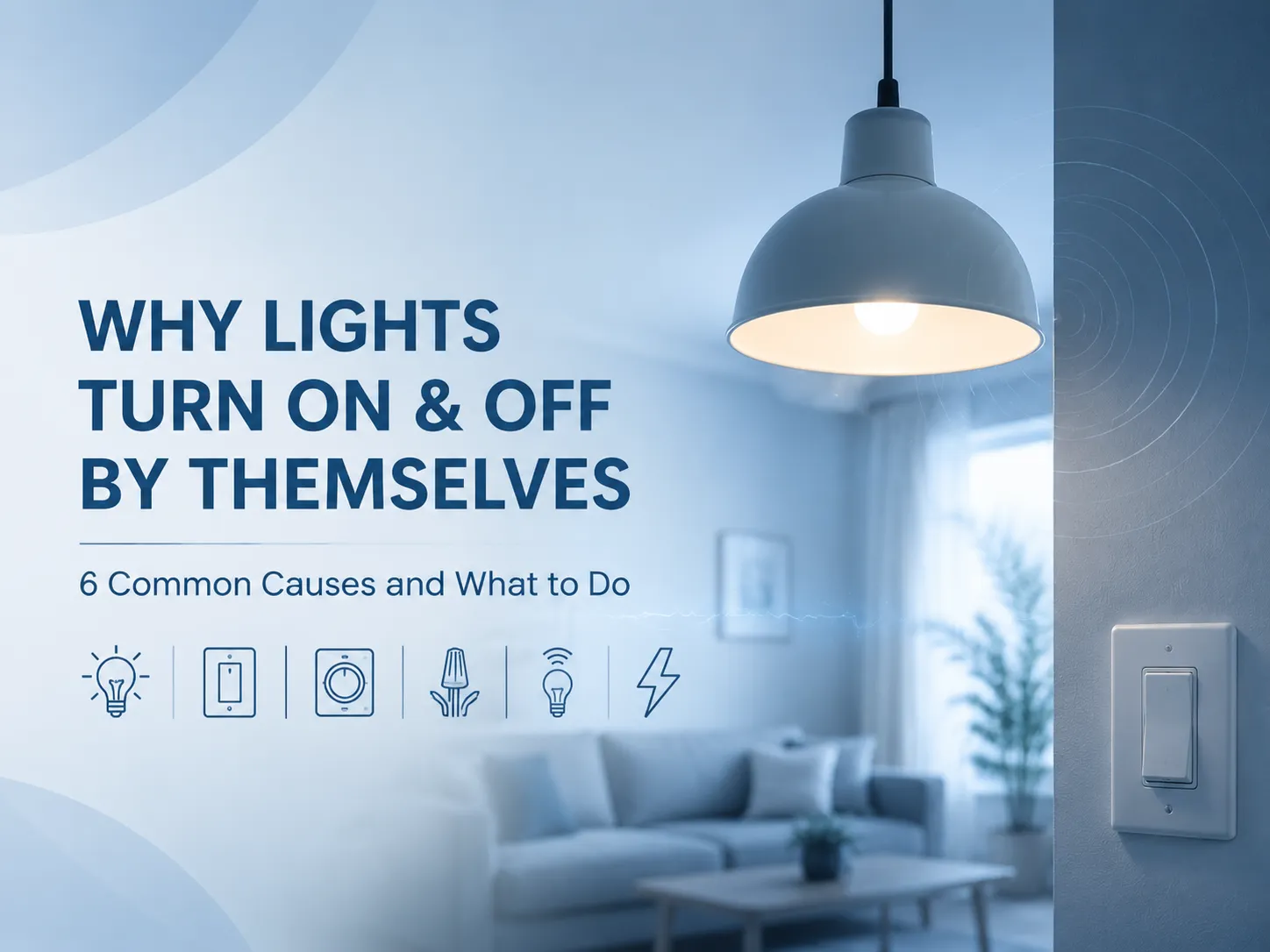
A light that turns itself on or off without human intervention is being commanded to do so by something — a faulty component in the circuit, a loose wire, a failing switch, or interference from another device. The six most common causes, ranked from the most frequent to the least, are summarised in the table below, along with the symptoms that distinguish each one and the recommended action.
| Cause | Typical Symptoms | Recommended Action |
|---|---|---|
| Loose or failing light bulb | Flickering or intermittent operation; often changes when the bulb is wiggled. More common with LED bulbs whose internal driver is failing. | Turn off the light, allow the bulb to cool, and ensure it is firmly seated in the socket. If the bulb is an LED and more than a few years old, replace it with a new, known‑good dimmable LED from a reputable manufacturer. |
| Worn or failing wall switch | The switch feels loose, does not click decisively, or requires multiple attempts to operate. A toggle switch that has lost its snap‑action is particularly prone to intermittent contact. Buzzing or a warm faceplate are additional signs of internal failure. | Replace the switch. A standard single‑pole light switch costs under $5 and takes 15 minutes to replace. Turn off the breaker, verify zero voltage, photograph the existing wiring, and connect the new switch identically. GOG Electric’s toggle and rocker switches are built with robust internal contacts that maintain a decisive snap‑action over thousands of cycles. |
| Dimmer switch incompatibility or failure | An LED bulb on a dimmer flickers, cuts out, or flashes at low brightness settings. The dimmer itself may feel warm or buzz. A non‑dimmable LED on any dimmer will behave erratically. | Confirm that the bulb is marked “dimmable.” Check the dimmer manufacturer’s compatibility list for the specific bulb model. If the dimmer is more than a decade old, it is likely a leading‑edge design not intended for LED loads. Replace it with a modern trailing‑edge dimmer. Our guide on LED dimmer switch compatibility explains how to achieve a flicker‑free match. |
| Loose wiring connection | Intermittent power that affects multiple lights or outlets on the same circuit. The light may flicker when a heavy appliance starts, or may turn on and off with no apparent pattern. A warm switch plate or a faint burning smell are emergency signs. | Turn off the breaker and visually inspect the switch box, the light fixture, and any accessible junction boxes on the circuit. Look for loose terminal screws, back‑stabbed connections that have failed, or wires that show signs of overheating. If you find a loose connection, tighten it. If the wiring is aluminium, cloth‑insulated, or shows signs of arcing, stop and call a licensed electrician. A loose connection that arcs is a fire hazard that must be professionally repaired. |
| Smart bulb or smart switch malfunction | A smart bulb turns on at unexpected times, or a smart switch activates without a command. The problem may follow a power outage, a Wi‑Fi disruption, or a firmware update. | Check the device’s app for any scheduled routines, timers, or automation rules that may have been set inadvertently. Power‑cycle the smart bulb or smart switch. If the problem persists, perform a factory reset and re‑pair the device. A smart switch that continues to behave erratically after a reset may have a failing internal relay or power supply and should be replaced. |
| Utility voltage fluctuation or electrical interference | Multiple lights in the home flicker or dim simultaneously, or the problem correlates with a specific appliance starting (air conditioner, well pump). Neighbours may report similar issues. | If the problem is widespread and affects multiple circuits, contact the utility company and request a voltage check at the meter. If a single large appliance causes the flicker, have an electrician verify that the appliance circuit is correctly sized and that the motor’s starting current is not causing a voltage sag on the shared supply. |
How to Diagnose the Fault Step by Step
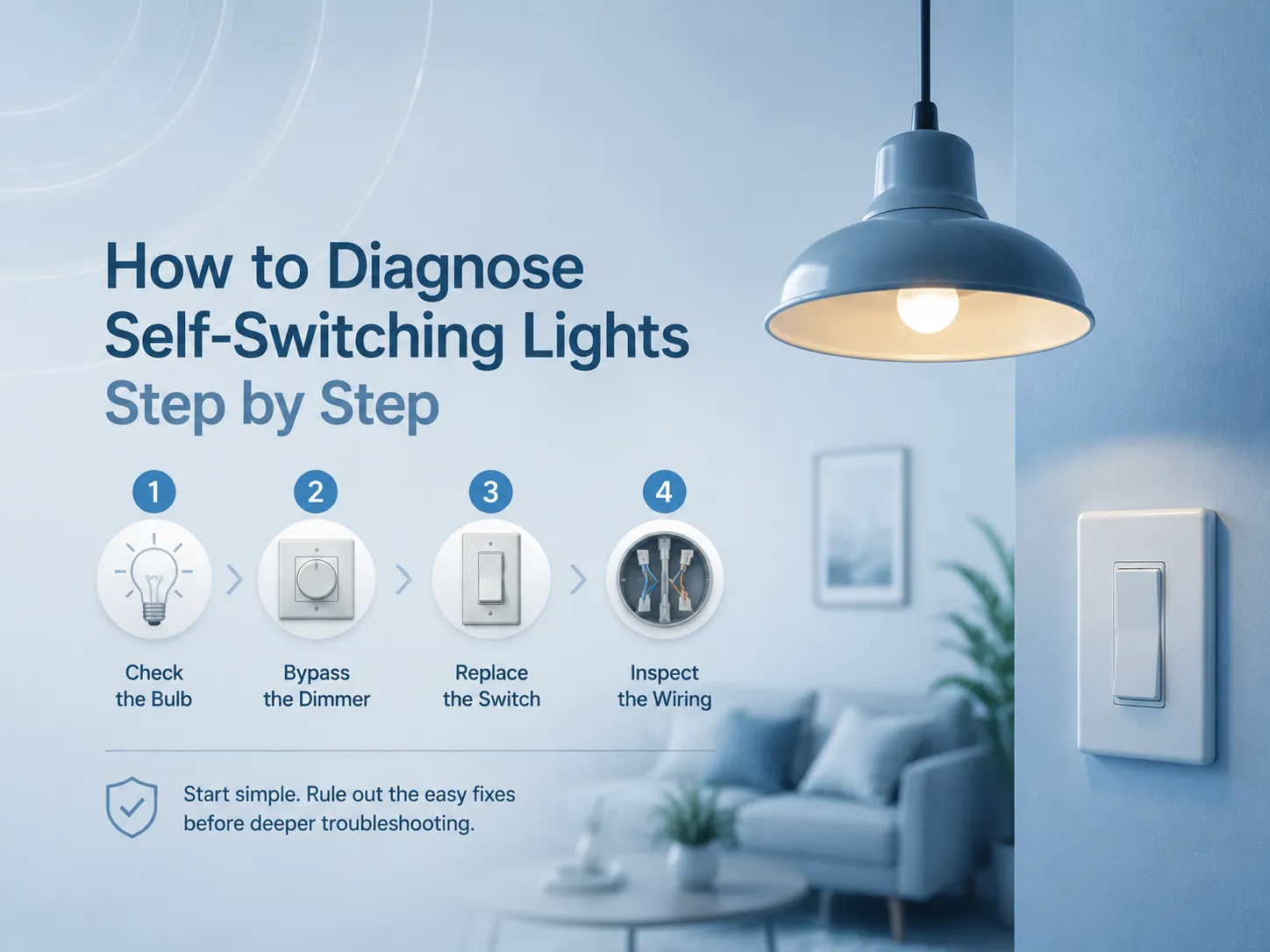
When a light goes on and off, the process of solving the issue must begin with the simplest and cheapest option before proceeding to complicated electrical troubleshooting. The steps shown here will determine the cause in most situations.
- Replace the bulb with a known‑good bulb of the correct type. This rules out the bulb as a source in less than a minute. If the issue ceases, then the bulb was the source of the problems. If the problem persists, the defect lies somewhere else in the circuit.
- If the circuit has a dimmer, bypass it temporarily. Switch off the breaker, unhook the dimmer switch and directly connect the circuit by the use of a terminal block or wire nut (live to switch wire). Then switch power back on. If the light now works properly, it means that the dimmer is guilty and has to be changed. But if the light is still erratic, then the dimmer is not to blame, and further investigation has to be carried out to check wires and the switch.
- Replace the wall switch. A typical light switch is low cost and easy to replace. The breaker must be turned off and then voltage should be checked before getting a picture of the internal wiring and installing the switch just like the previous one. If a three-way light switch is involved in the process, both switches have to be examined, since a faulty three-way switch can cause erratic functioning of the light regardless of the correct functioning of the other switch.For help identifying the correct terminal connections, our guide on the difference between a 2 way and 3 way switch explains the wiring logic.
- If the problem persists after replacing the bulb, the dimmer (if present), and the switch, the fault is in the fixed wiring. It is at this stage that one should ascertain the need for an accredited electrician. The electrician will first measure the insulation resistance of the electric circuit, check all junction boxes on the circuit for loose connections, and ascertain the integrity of the connections at the consumer unit or breaker panel. A bad connection with neutral, damaged cables, or damaged terminal of a junction box are all faults that need to be investigated by a professional.
Prevention: How to Avoid the Next Unexplained Flicker
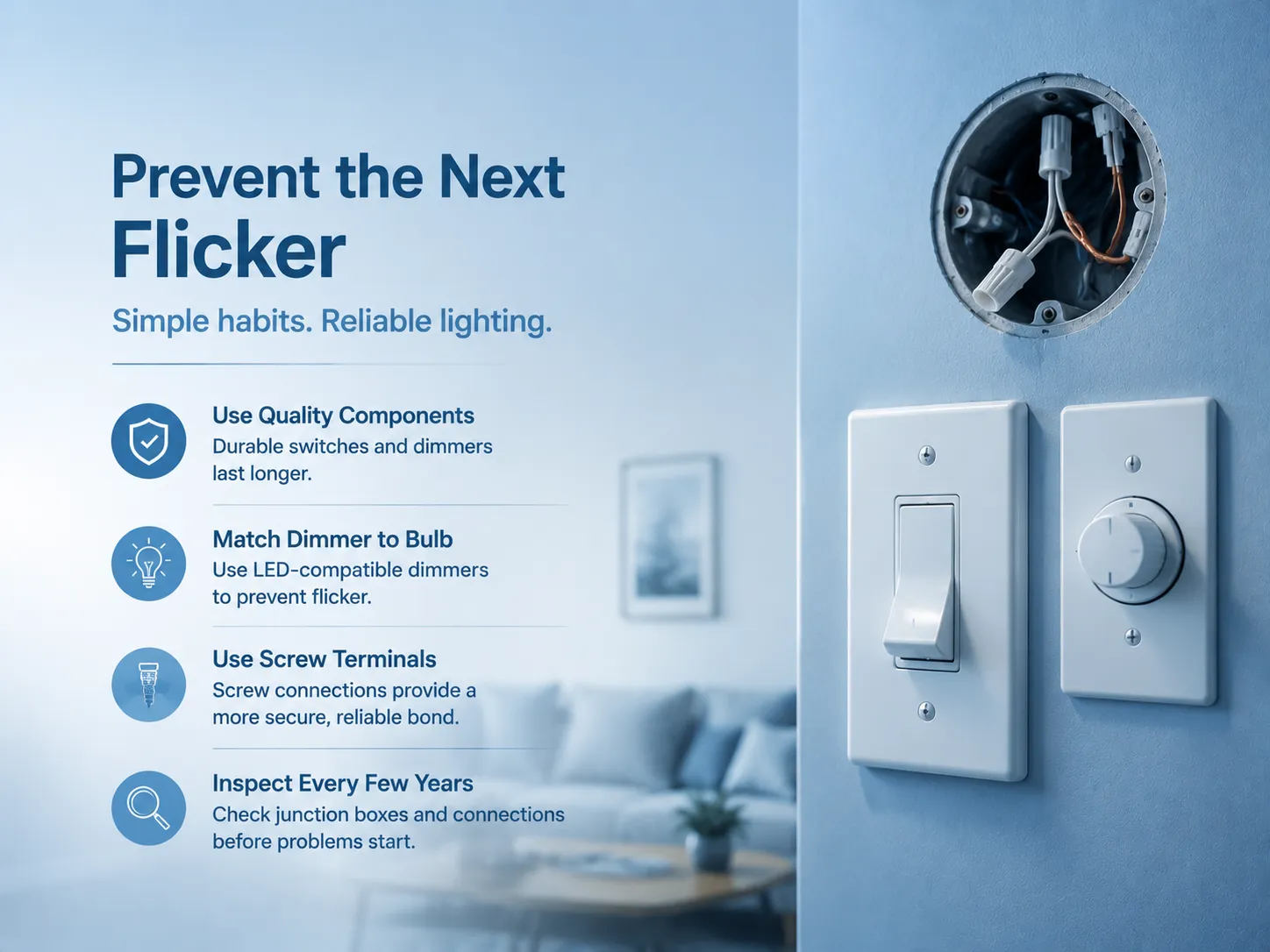
Properly set up, sufficiently safeguarded, and routinely examined, an electrical system should not generate unexplainable lights that turn on and off by themselves. The listed practices help eliminate this issue and prolong the life of the components of the circuit.
- Use quality switches and dimmers. A durable $5 switch is equipped with thick brass contacts and strong toggle mechanisms, and it would easily outlast a $1 builder grade switch by at least 10 years. GOG Electric’s switches meet the specification-grade standard, and they are built with internal contacts capable of lasting and clear terminals.
- Match the dimmer to the bulb. The leading reason for flickering and other issues is an LED bulb used with an incandescent dimmer. When switching to LED bulbs, replace the dimmer as well. A trailing-edge dimmer designed for the exact bulb solves compatibility issues.
- Avoid back‑stab connections. Compared to a spring-loaded back-stab hole, the screw terminal on the switch or outlet offers a more reliable and lower-resistance connection. When replacing a switch that has backstabbed wires, transfer the wires to the screw terminal and secure them to the manufacturer’s specifications.
- Inspect accessible junction boxes every few years. A fault in the junction box may appear after several years. However, an interrogative visual inspection of the junction box detects the problem before the lights start flickering.
Frequently Asked Questions
Why are my lights turning on and off repeatedly?
The usual reasons why the lights turn on and off frequently include a defective bulb, a defective wall switch, and a dimmer not suitable for the LED bulb. To find the cause, one must begin with changing the bulb and, if that does not work, check the switch and connections.
What does it mean when a light turns on and off by itself?
A light that flickers or turns on by itself usually means there are some electrical issues like faulty connection, switch, or component. This should be further investigated to determine its cause. If there is a warm switch or wall or any burning smell, this situation should be reported to an electrician right away.
Why is my light switch on and off by itself?
When the switch itself seems to toggle back and forth from ON to OFF without any physical touch, it indicates that the internal spring system has failed and the switch needs to be replaced. A switch that won’t stay ON or OFF is mechanically worn out and cannot operate normally.
Why does my light turn on for a second then turn off?
In many cases, a light that flickers is usually due to a malfunctioning LED driver, overheating (especially where enclosed LED bulbs are found) or a loose connection that is only momentarily making contact until the wire expands from the heat. First replace the bulb. If the same issue continues with other bulbs, check the fixture or wiring.
References
- Electrical Safety Foundation International (ESFI) — Home Electrical Safety. Consumer guidance on recognising and responding to electrical hazards, including flickering lights and warm switches.
- National Fire Protection Association (NFPA) — Electrical Fire Cause Data. Annual statistics on the role of faulty wiring, loose connections, and failing electrical devices in residential fires.
- Lutron Electronics — LED Dimmer Compatibility and Troubleshooting. Manufacturer guidance on matching dimmers to LED bulbs and resolving flickering and erratic behaviour.
- Family Handyman — Troubleshooting Light Switch and Fixture Problems. Practical homeowner guidance on diagnosing and repairing common light switching problems.
A light switching on and off by itself is not a mystery, and it is not a ghost. It is a sign of failure: Loose wire, malfunctioning switch, burned out bulb or poor match of dimmers. The sign won’t go away simply because it’s ignored. A systematic approach to the solution is required: Change the bulb, change the switch in case the problem is persisting, and check the electrical connections in case the problem persists, if there is any heat or damage, call an electrician. Changing the old switch or old bulb is so much cheaper than dealing with the anxiety resulting from the unexplained flickering light; as compared to the potential disaster from a neglected loose wire connection. GOG Electric produces the switches and dimmers that will take in the place of the old flickering and buzzing devices on the wall with the needed level of contacts, and terminals to make sure that the lights are on – and off – when they are supposed to be.